Every part of your day.
In a better place.
Nine areas, from the first enquiry to the year-end statement. All of them work on the web, and most are in the app too.
See it in a demoAttendance and check-in
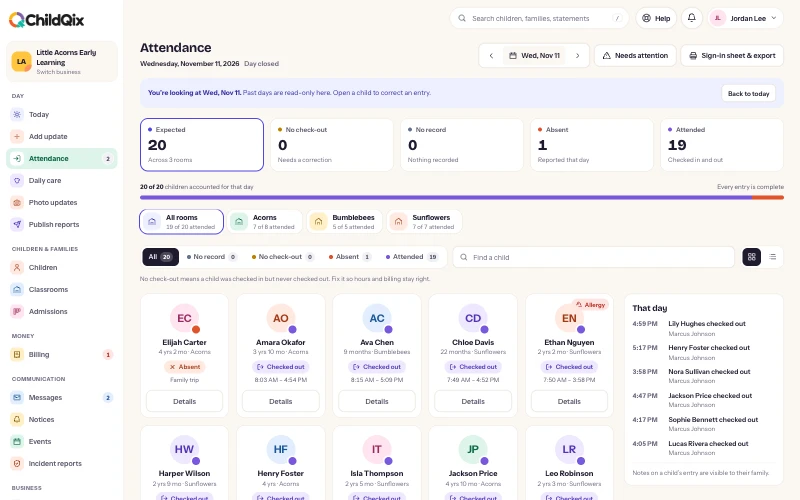
Check children in and out in a tap, let families do it themselves at the door, and keep a record you can hand to licensing.
See how it works- Check in and out, one child or the whole room
- Kiosk on a tablet, with a family PIN and signature
- Families scan the door code from their phone
- Absence reasons, with a note to the family
- A list of children not yet checked in today
- Printable sign-in sheets and hours export for licensing
Daily reports and photos
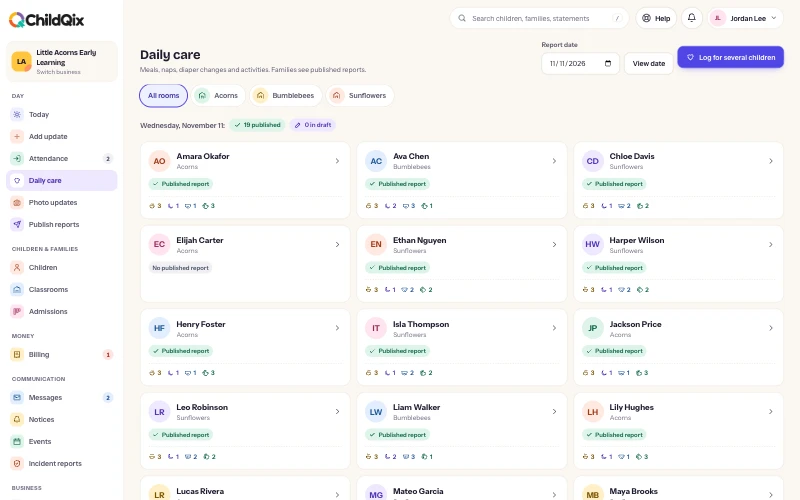
Teachers log meals, naps, changes and activities through the day. Families see a finished report, not a stream of half-written notes.
See how it works- Meals, naps, diaper changes and activities
- Log for one child or the whole room at once
- Photo updates shared with the right families
- Reports families see only after you publish
- Corrections kept as a new version
- Keeps working offline in the app and syncs later
Family communication
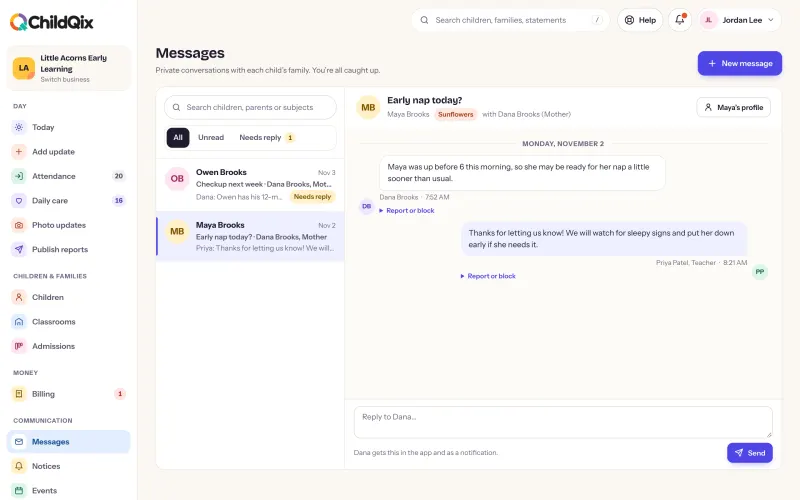
Messages, notices and events sit beside each child’s day, so families stop hunting through texts and paper flyers.
See how it works- Message threads with each family
- Notices to a room or the whole center, with read tracking
- Events with RSVP and a response list
- Push, email and in-app notifications
- Families choose what they are notified about
- Email templates in your own words
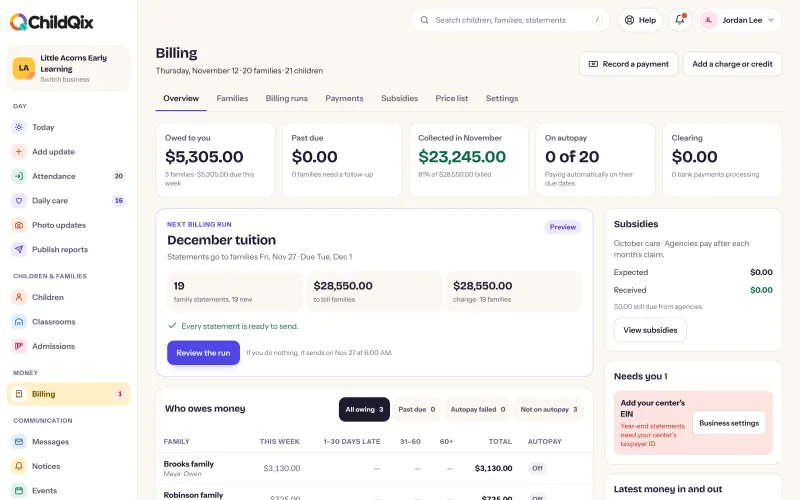
Billing and payments
Set your fees once. ChildQix sends the statements, takes the payments and tells you what is still owed.
See how it works- Weekly, every two weeks, monthly and one-time fees
- Billing runs, credits, refunds and receipts
- Bank account and card payments online
- Autopay families set up themselves
- Reminders and late fees on your rules
- Split payers and year-end statements for taxes
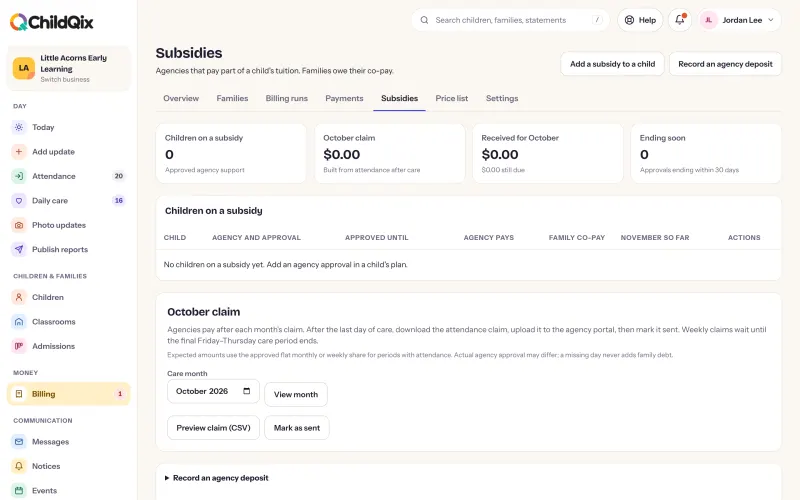
Subsidies and agency funding
Record what an agency covers and what the family owes, then match the deposit when it arrives.
See how it works- Agency programs and approvals
- Family copays on the same statement
- A monthly claim file for the agency
- Deposits matched to what was claimed
- Recoveries when an agency adjusts
- Import agency deposits from a spreadsheet
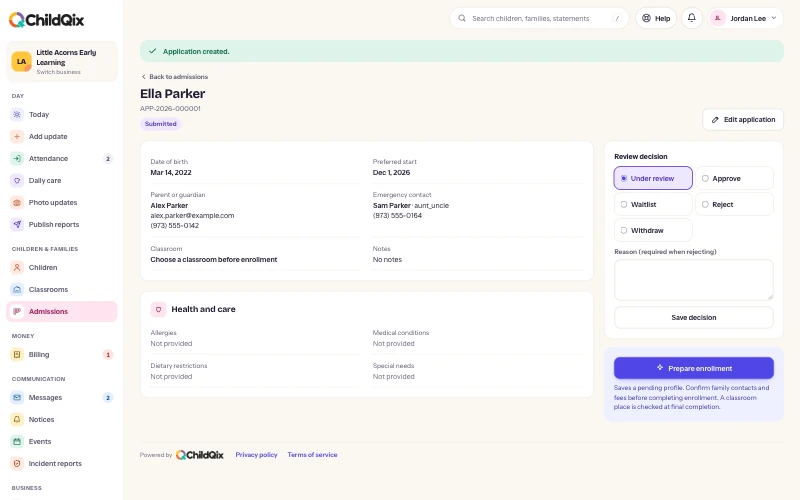
Admissions
Keep every prospective family in one pipeline, and turn an approved application into an enrolled child without retyping anything.
See how it works- Enquiries, tours, applications and waitlist in one pipeline
- Notes and a next follow-up date on every enquiry
- Turn an approved application into an enrolled child
- An enquiry form to put on your own website
- Enrollment records and start dates
- Invite parents to the app as you enroll
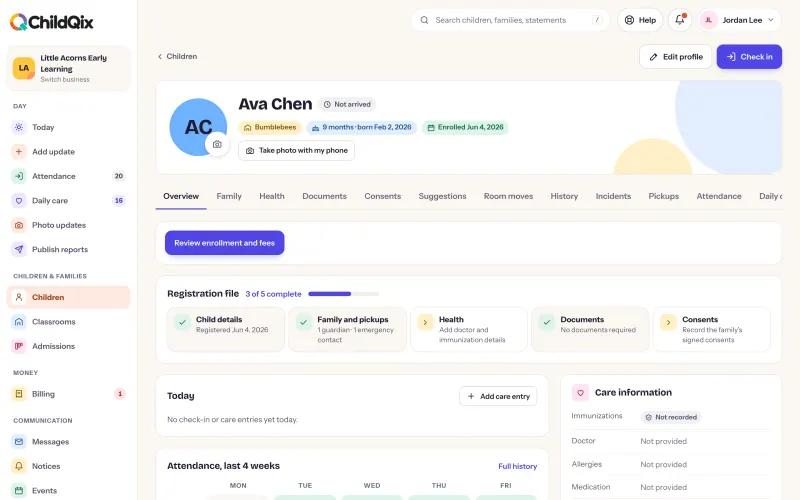
Records and documents
Health details, consents and the documents you must hold, with a clear view of what is missing or about to expire.
See how it works- Health, allergies, consents and emergency contacts
- Request a document and send a reminder
- Expiry dates, with a list of what is due
- Families upload from their phone
- Parents suggest changes, you approve them
- Room moves scheduled ahead
Safety
Pickup lists, checks for anyone new and incident reports families acknowledge.
See how it works- Authorized pickup list for each child
- Families tell you who is collecting today
- Checks for anyone not on the list
- Incident reports families acknowledge
- Roles decide what each person can see
- Attendance corrections and report versions kept with who made them
Running your center
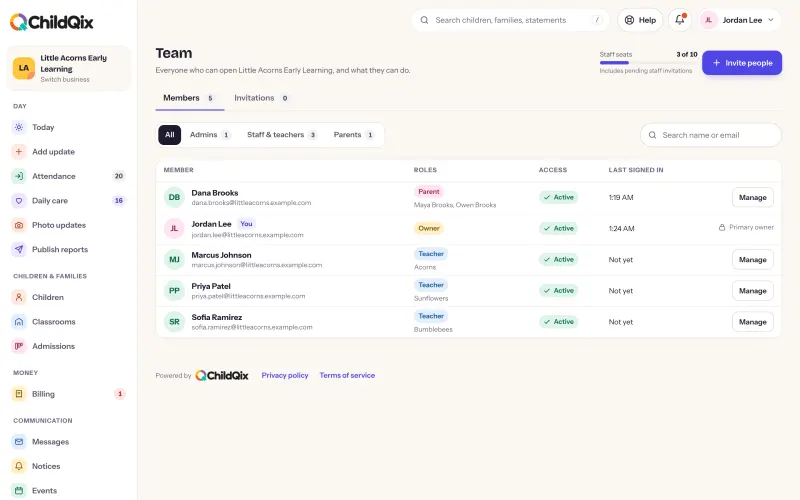
Your team, your reports and your brand, with help built into every screen.
See how it works- Owner, manager, administrator, staff and teacher roles
- Invite your team and families by email
- Attendance, money, enrollment and care reports to export
- Your logo and color on screens, emails and statements
- Each location in its own workspace, under one sign-in
- Guides and support requests inside the product
All of it, on every plan.
No feature is held back for a higher plan. Plans differ only by the number of children you enroll.