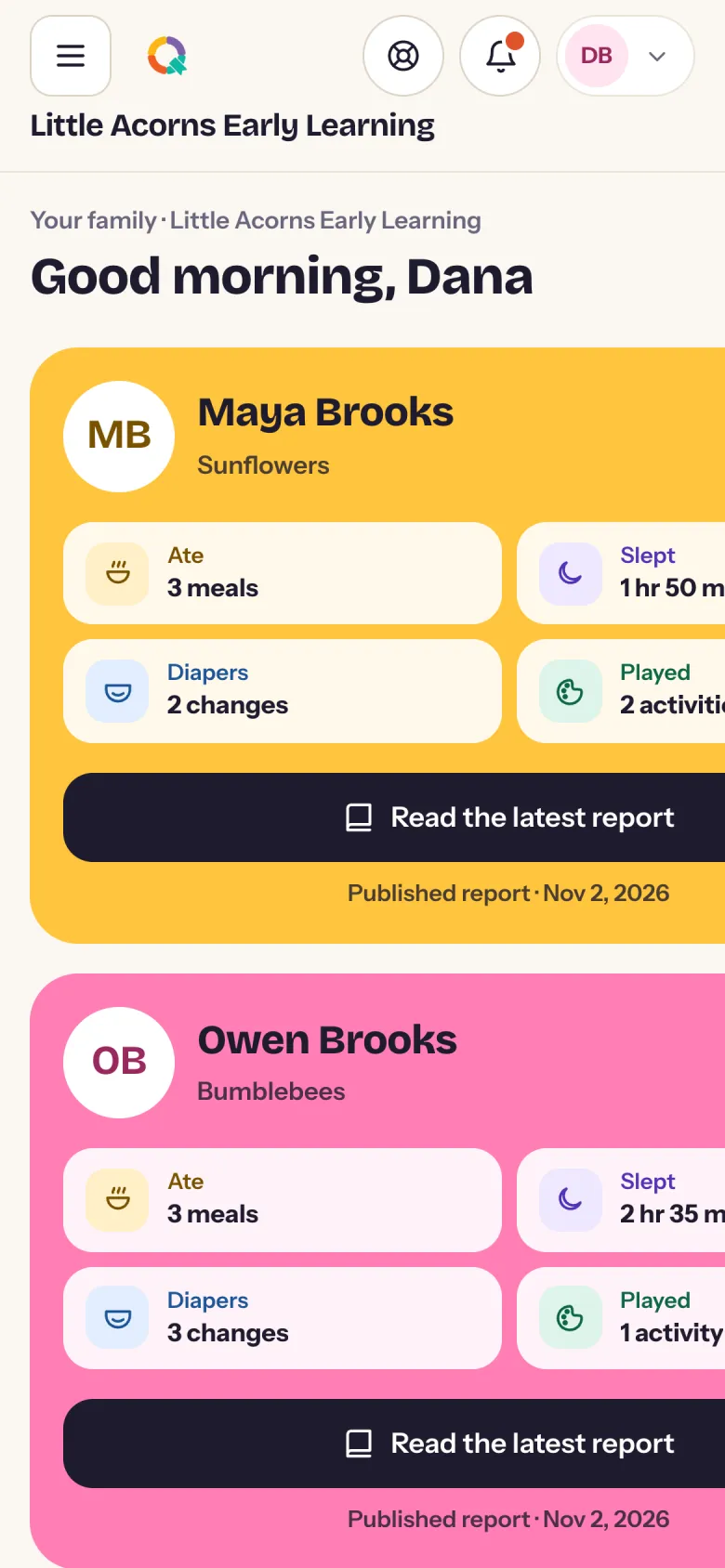
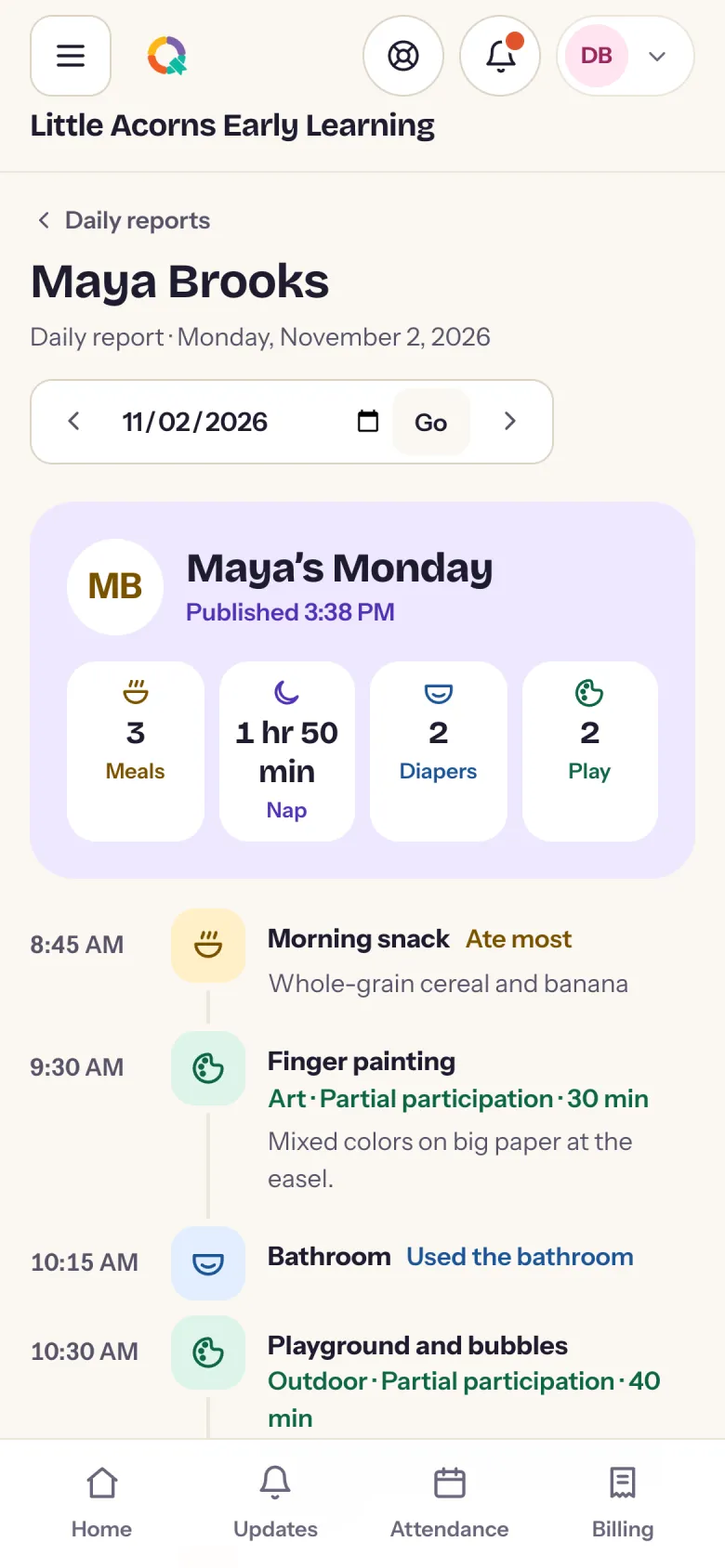
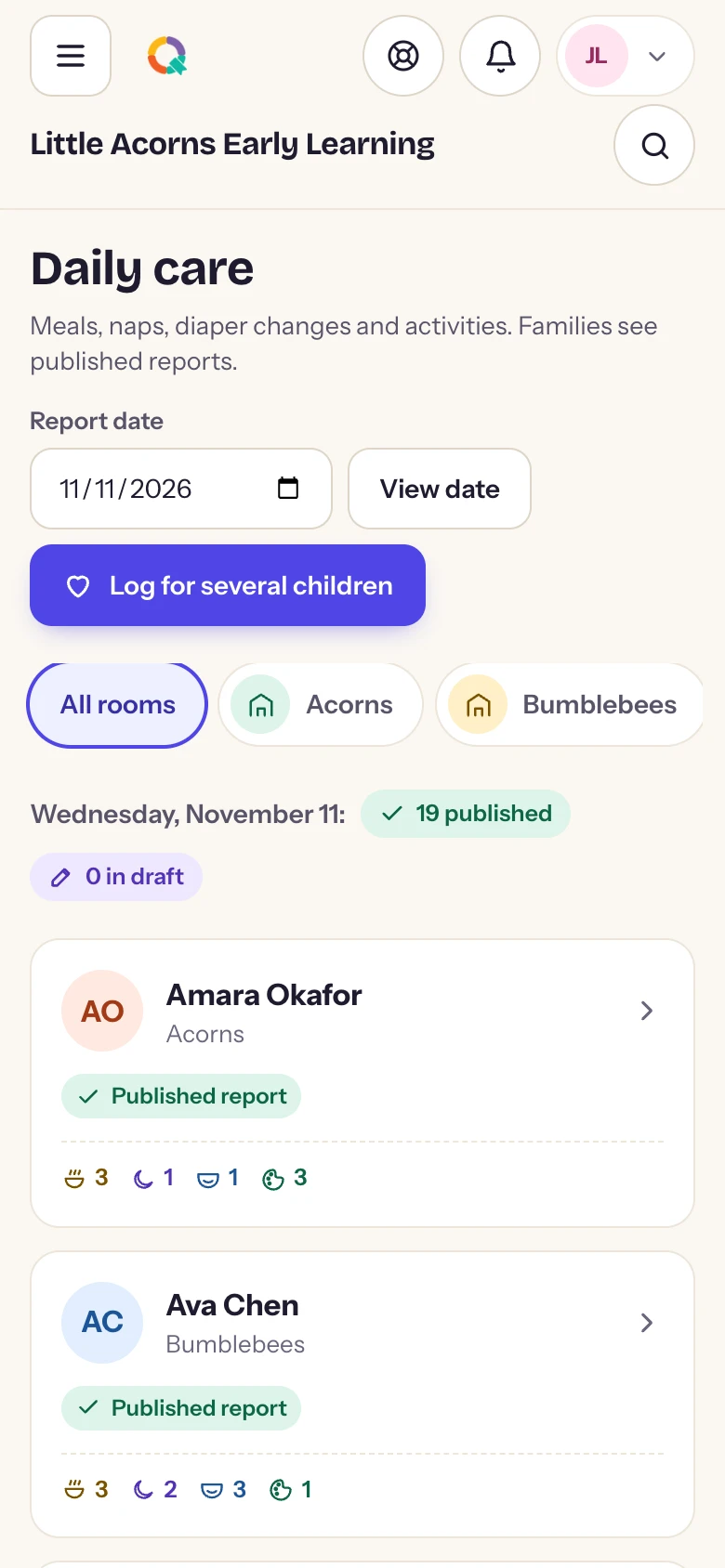
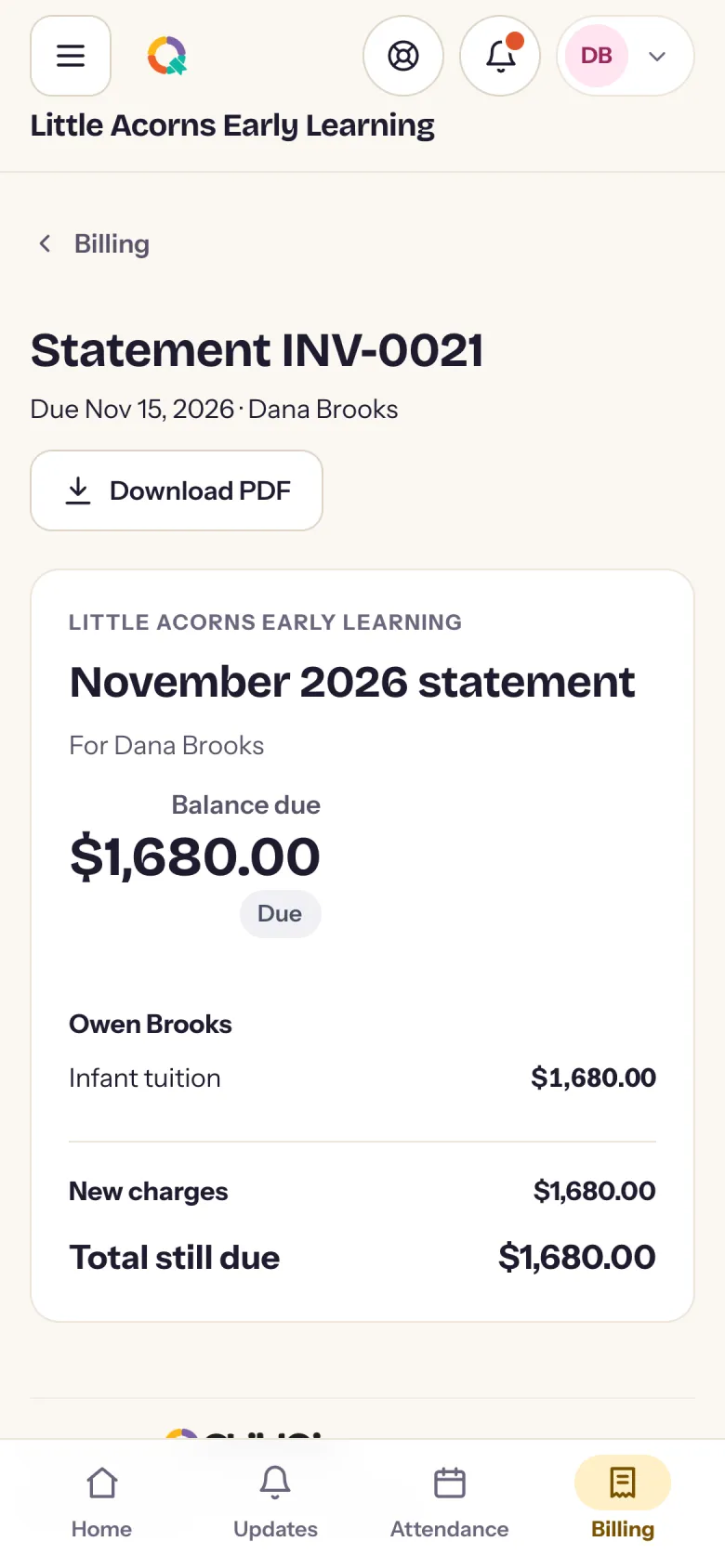
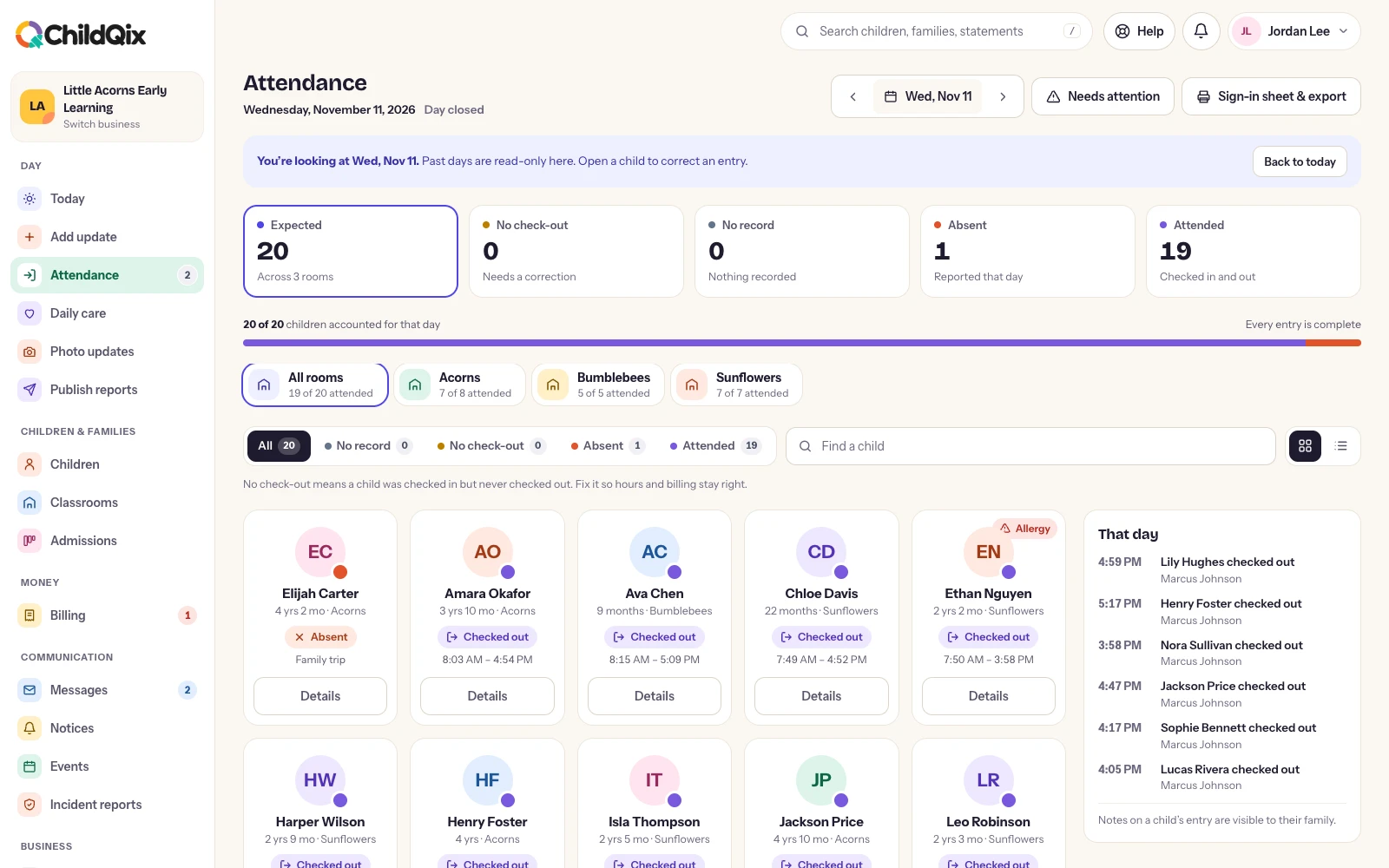
You need an account from your childcare center to sign in. Families join with the invitation their center sends. Screens below are shown in a phone browser, with a demonstration center.
ONE APP. THREE VIEWS.
Made for each person’s day.
What you see depends on your role and the children you are linked to.
FAMILIES
Closer to their day.
Read the published daily report
See photo updates from the room
Message the team and read notices
Check in with the door code
Tell the center who is collecting
See statements, pay tuition and set up autopay
TEACHERS AND STAFF
The room, in one hand.
Check children in and out
Log meals, naps, changes and activities
Share photo updates
Publish the daily report
Record pickups and incidents
See allergies and notes for the room
OWNERS AND MANAGERS
The center, wherever you are.
Today at a glance, room by room
What is owed and what came in
Record a payment on the spot
Follow enquiries and applications
Request documents and send reminders
Invite your team and manage roles
ON A TABLET
Made for the classroom tablet and the front desk.
On a tablet the app opens up: the room on one side, the child you tapped on the other. Set one by the door as a check-in kiosk, where families enter a PIN and sign.
Two-pane layouts on iPad and Android tablets
Kiosk mode with family PIN and signature
Attendance and care notes keep working without a connection
FOR FAMILIES
Getting connected takes three steps.
Your center invites you. Look for an email from ChildQix with your center’s name on it.
Accept and choose a password. The link ties your account to your child.
Download the app and sign in. No invitation yet? Ask your center. They manage who is connected to each child.
A little less admin. A little more possibility.
Let’s make room for what matters.
See how ChildQix could fit your center, your team and your day.